November 17
·


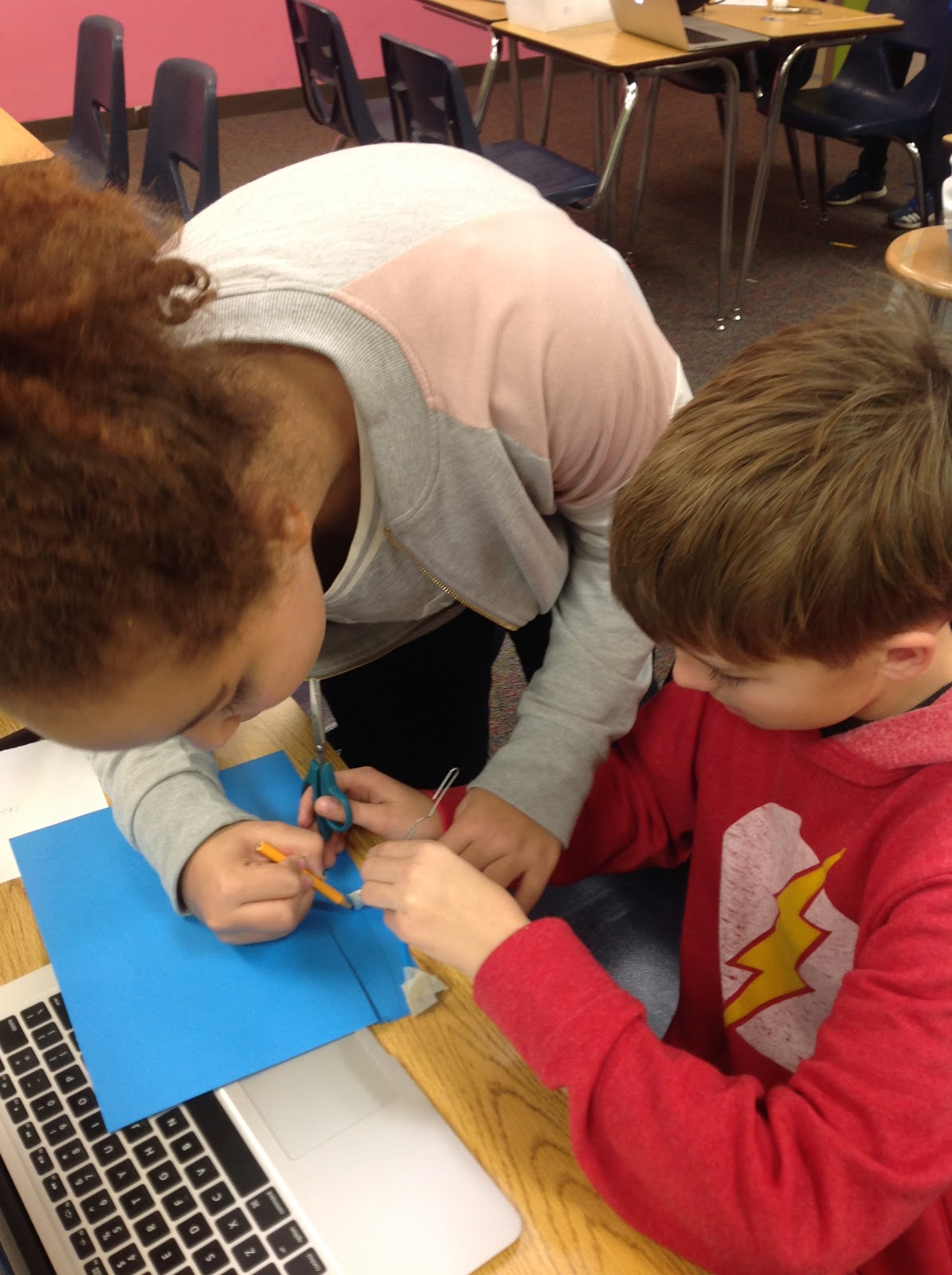
6th graders worked on a new design challenge... build a catapult that is precise, accurate and can travel a long distance. We did some internet research to find examples that have been created by others and used those ideas to create our own design. After the initial build, students modified their designs to improve them. Our most successful one shot over 12 feet!


November 10
·


If your child is interested in a fun project during Thanksgiving break, check out this video to learn how to create cylinders that will hold the weight of a person!
Sixth graders completed their first full engineering design challenge. The task was to design a device that would carry a passenger on a zip line at a reasonable rate of speed without bumping or jarring the passengers. We tested the devices on both fishing line and string, and learned about the laws of motion and friction in the process.




November 3
·

6th graders spent the week on coding and digital activities as well. First we did an "unplugged" coding activity to become familiar with the ideas of writing algorithms and debugging code. They also started their code.org lessons and worked their way through "Interland". Interland is a free activity that is a part of Google's "Be Internet Awesome" program. It's a digital world with four areas that each focus on a different component of digital citizenship and internet safety. Mindful Mountain teaches about online sharing and privacy. Reality River teaches about phishing and fake profiles. Tower of Treasures teaches about keeping passwords and information secret, and Kind Kingdom teaches about digital etiquette and being nice online. They think they're playing a game but they're also learning!


Note: They both require Flash to play so it may have to be enabled in your browser. Here's how to set it in Chrome (which is what we use at school):
1. Click the i icon next to the site name in the address bar.
2. Scroll down to the Flash row.
3. Click the drop down on the Flash row and choose "Always allow on this site".
4. Click the refresh icon on the page.

October 27
·
This session of 5th grade spanned assemblies and Fall Break (from Oct 16-27). Over the course of the first quarter, some classes had missed various lessons so we've been doing "catch up" to get all the classes back on the same page. Classes that hadn't missed a session got to spend extra time building bridges on Engineering Games and creating contraptions using constraints on Tinkerball.


6th Grade-
6th graders finished off Q1 with more self-selected technology modules. Some chose to continue creating video games in Gamestar Mechanic or creating coding animations in Scratch. Others chose to explore creating 3D digital designs using the free Google SketchUp software.
Q2 started this week and the new students spent the week getting an introduction to engineering. We talked about what engineers do and learned about the engineering design process. To practice going through the steps in the EDP, P5 and P7 built towers with cups and popsicle sticks and P6 used pipe cleaners. We ended the week getting our laptops set up and explored Google Classroom and Google Docs.


Subscribe to:
Posts (Atom)
