October 8
·


We took a quiz on Quizizz and then played a "Build a Bridge" game from Engineering-Games.net (http://engineering-games.net/engineering-games/building-bridges)


Some classes got so involved in the discussions for the interactive challenge that we didn't have time to play the bridge building game. They'll have a chance to play it during the next STEM class.
6th graders spent last week on their choice of technology tasks. Some students chose to learn how to create video games using the free version of the Gamestar Mechanic site. On this site students complete "quests" to learn how to create games and to earn materials to use in their own designs. Once they complete five quests, they can create their own games in the "Workshop". After completing their own games, they published them and we were able to see and play each others' games. It was a great lesson in digital citizenship too since we can leave positive, constructive comments for each other. It was super fun and engaging! I had to force them off the computers when the class period was over!


Other students chose to learn more about coding using the Scratch site. Students used these cards (https://scratch.mit.edu/info/cards/) to create specific animation and learn about the commands available in Scratch.


The final group used the iPads and the TouchCast Studio app to create green screen movies. Some groups tried Stik-bots or other characters in front of green poster board and other groups used our green wall to act out movies.


September 29
·


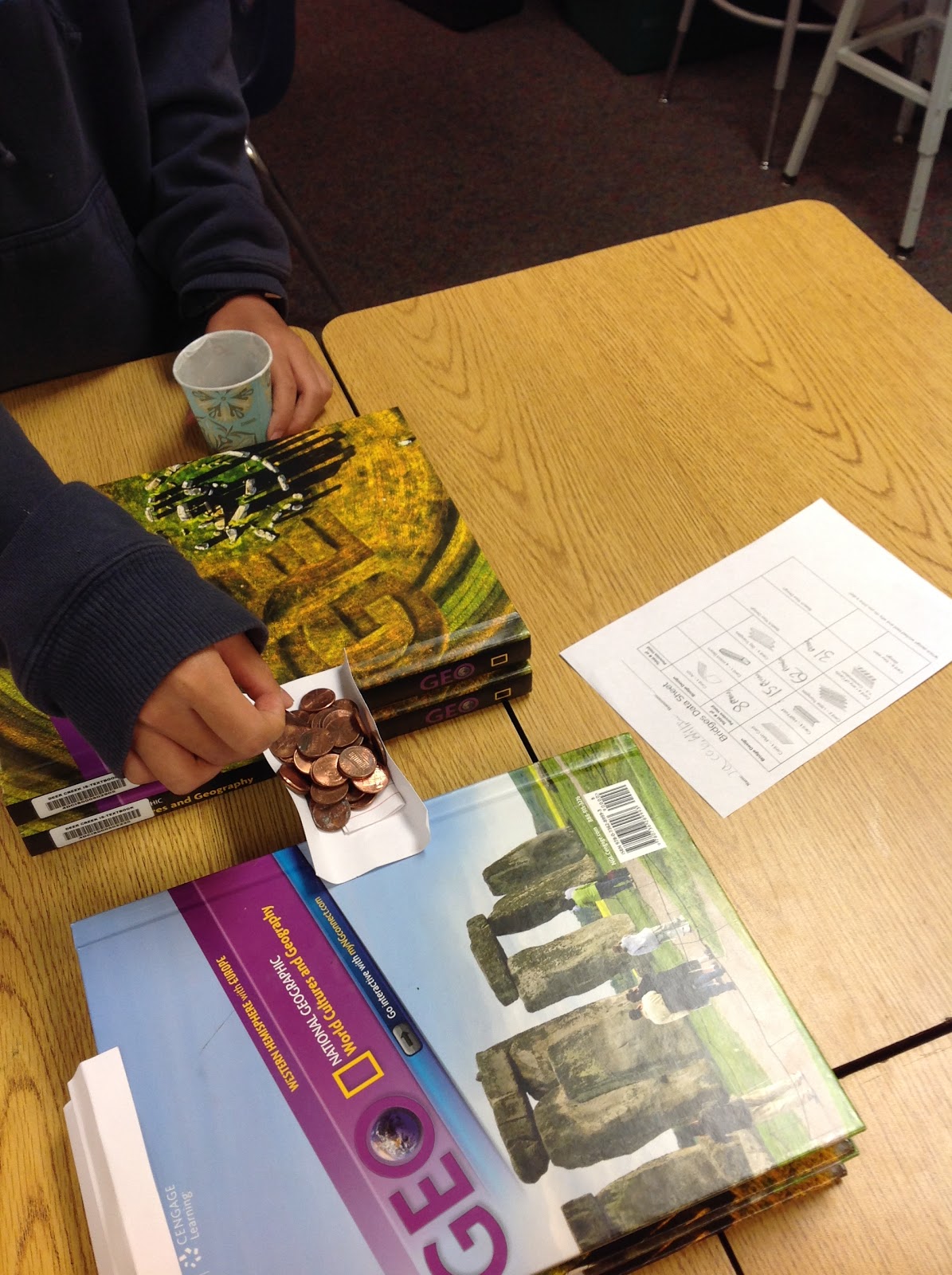


6th graders voted on the challenge for this week and boat design was the winner. The task was to design a boat that would float for at least 10 seconds with a cargo of at least 25 pennies. They had specific materials to choose from in their design and a budget of $7.00 to "buy" those materials from me. It was tricky to stay within the budget for the initial design and to have enough left over for improvements after initial testing!

Planning

Building

Testing

The winning design held over 350 pennies!


Some groups also had time today to investigate adding a paddle to power their boats. They used skewers, rubber bands, duct tape, and cardboard.
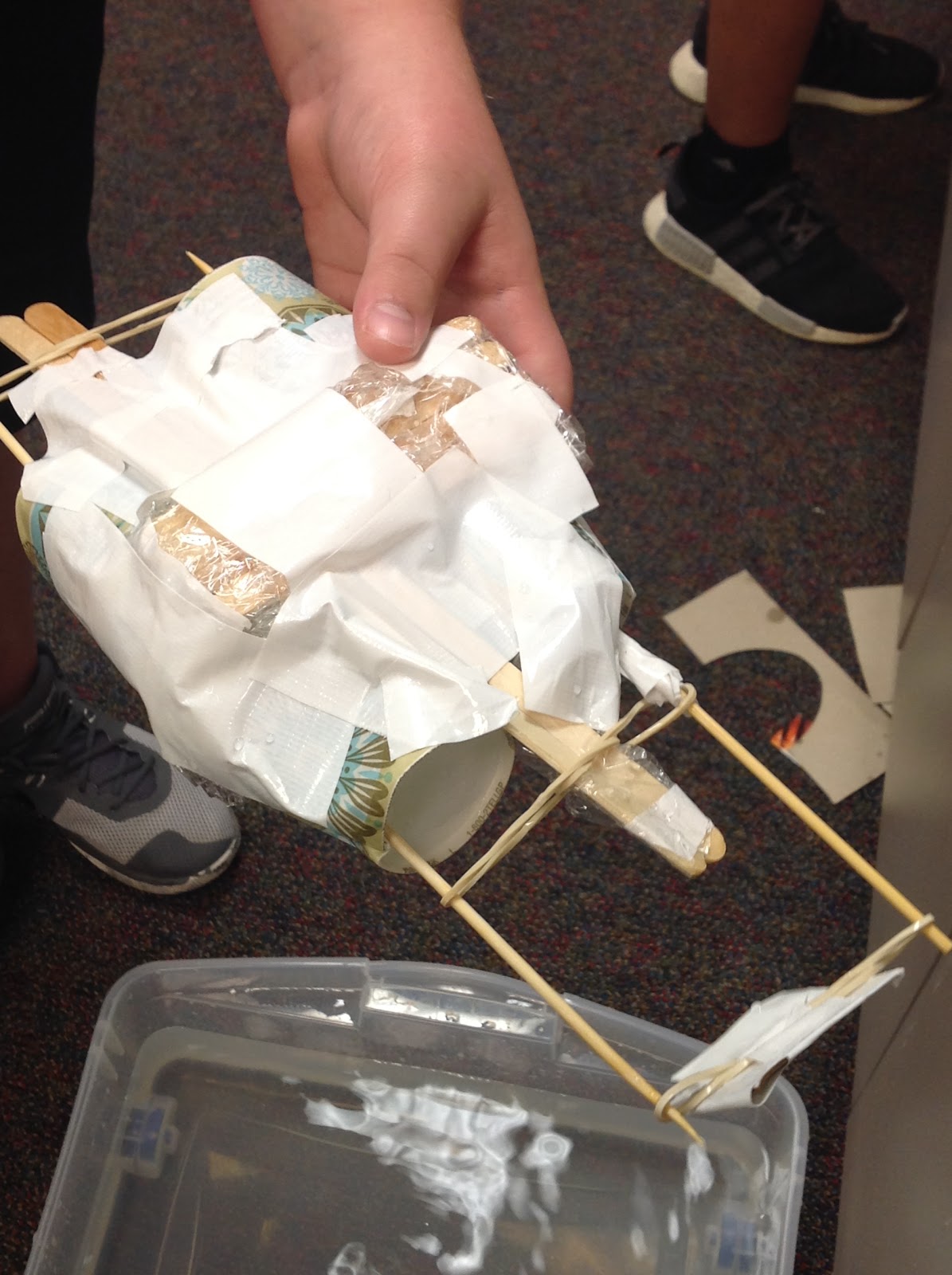

Check out the slideshow of all our creations:
September 21
·


6th grade students spent the week researching, designing, testing, and improving containers for our egg drop challenge. We dropped them from as high as I could reach from the counter today and recorded our results. We had planned to go to the softball fields behind the school for a higher drop from the bleachers, but there was a tournament happening. We're going to try again on Monday to see if our results are the same. Check out the slideshow at the bottom of this post to see a picture and description of each group's device.


September 13
·


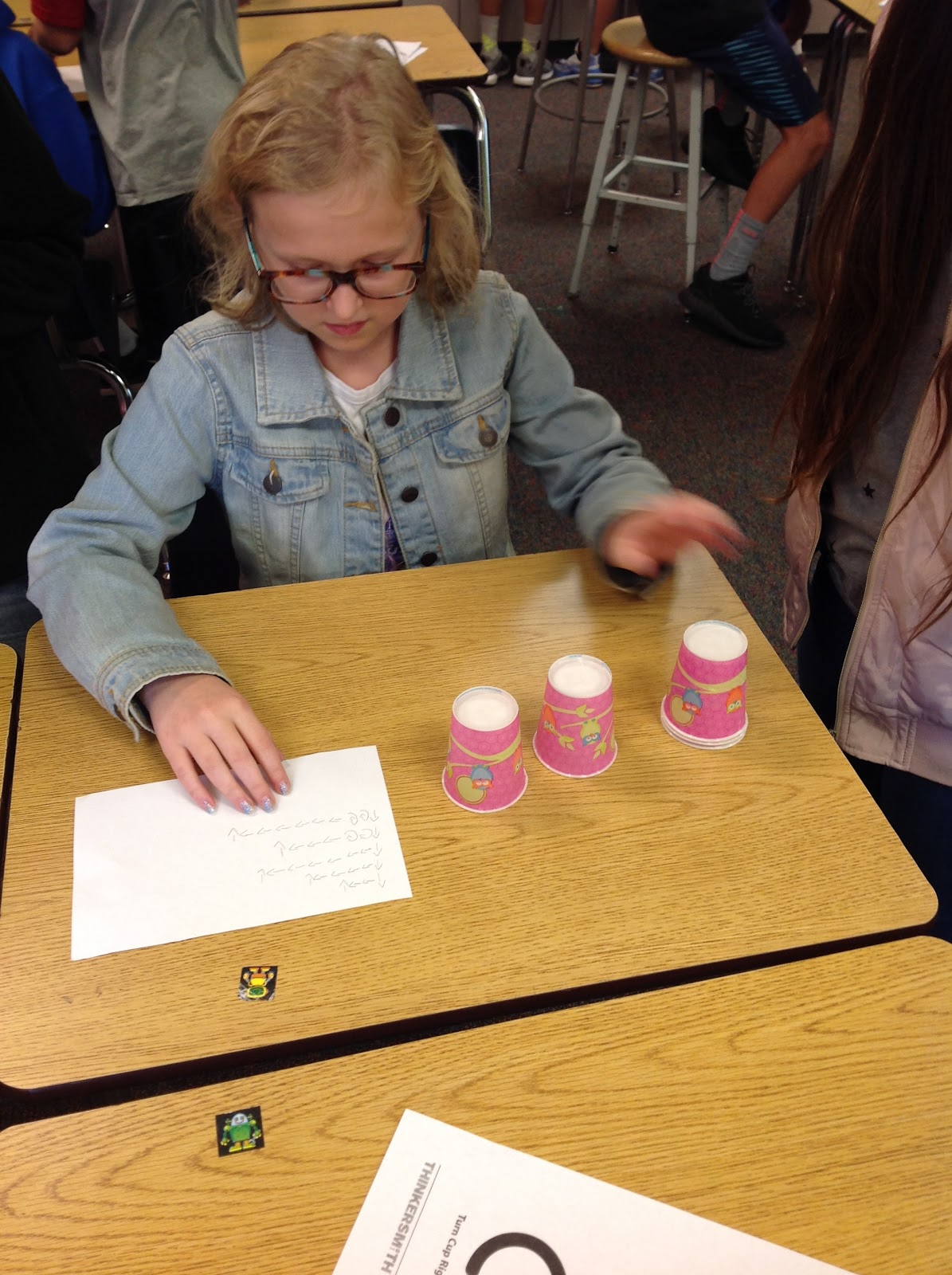
6th graders have been busy with several activities. They participated in a digital design challenge using the Tinker Ball game from EngineeringGames.com. In addition to practicing good critical thinking while building "machines" to get the ball to drop into the cup using specific constraints, they used Google Slides and learned how to take screenshots on their laptops. This week they have been busy researching, designing, improving, and testing catapults. It was definitely another test of our determination and perseverance!


Subscribe to:
Posts (Atom)
